Saved, pinned and search
Chat gives you three ways to get back to a message: save it for yourself, pin it for everyone in the conversation, or search for it.
Save a message for later
Section titled “Save a message for later”- Hover a message and click Save for later (the bookmark).
- Click Saved at the top of the navigator to see everything you saved, newest first.
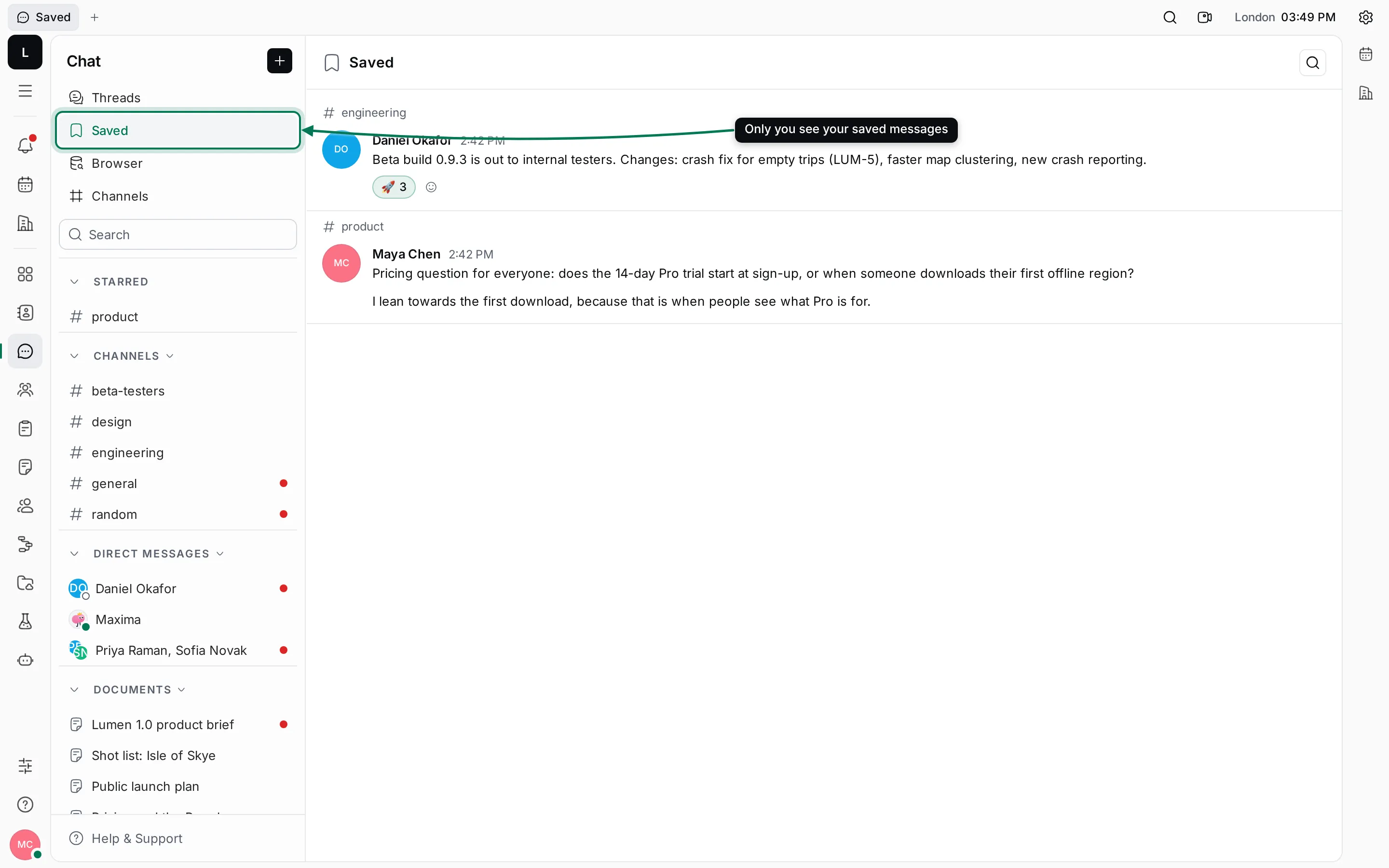
Only you can see your saved messages. Click a saved message to open it in its conversation. To remove it, hover it and click the bookmark again (Remove from saved).
Pin a message
Section titled “Pin a message”Hover a message and click Pin. Pinned messages are marked “Pinned” and counted on a pin button in the conversation’s header.
- Click the pin button in the header.
- Pick a message in the list to jump to it.
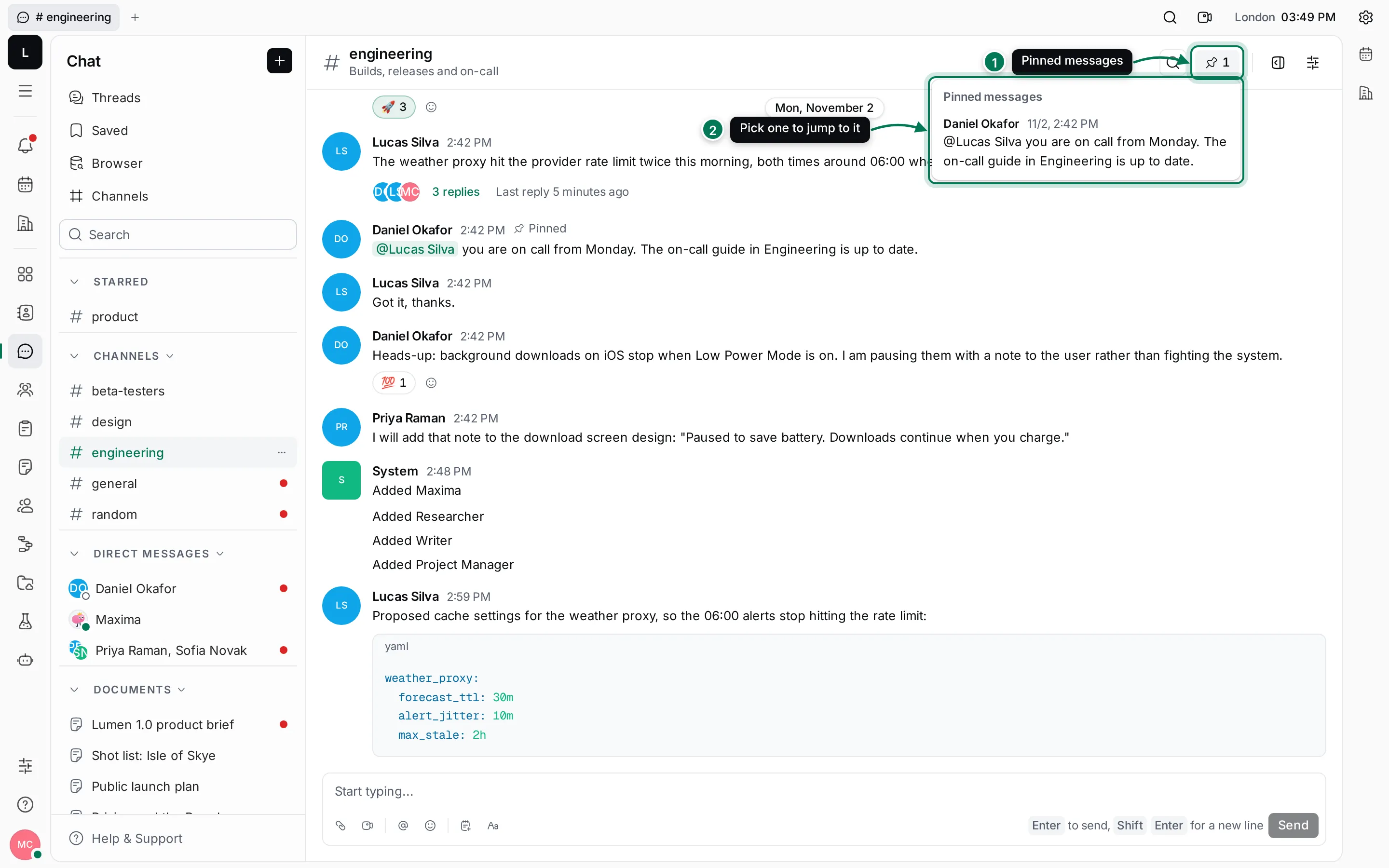
Pins are shared: everyone in the conversation sees them. Click Unpin on a pinned message to remove it.
Search messages
Section titled “Search messages”- Type in the Search field in the navigator. Chat switches to Browser with your words.
- Choose Messages, Files or Contacts.
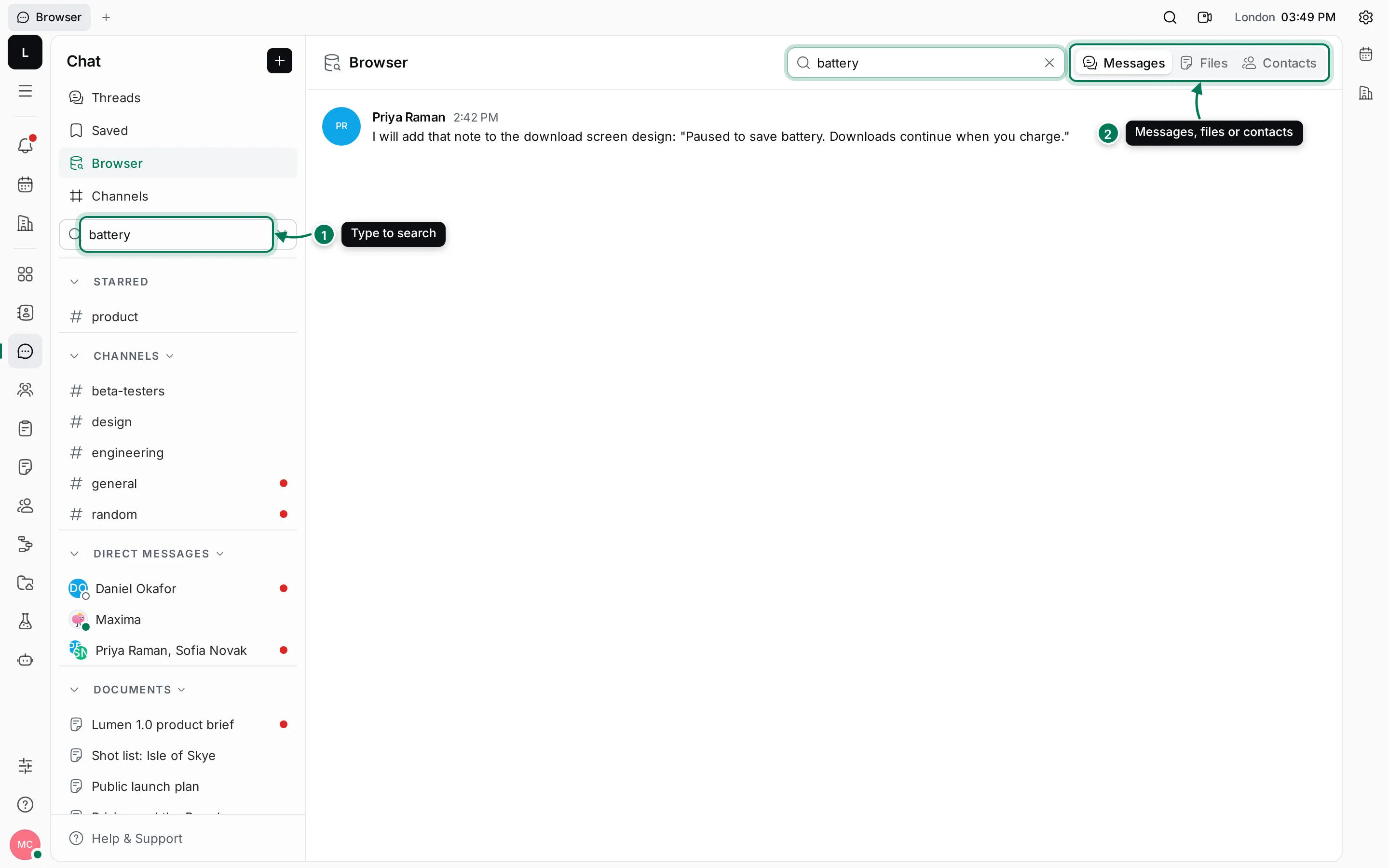
Search matches whole words in every conversation you can read. Click a result to open its conversation with the message highlighted. The search button in a conversation’s header leads to the same place.
Find a file
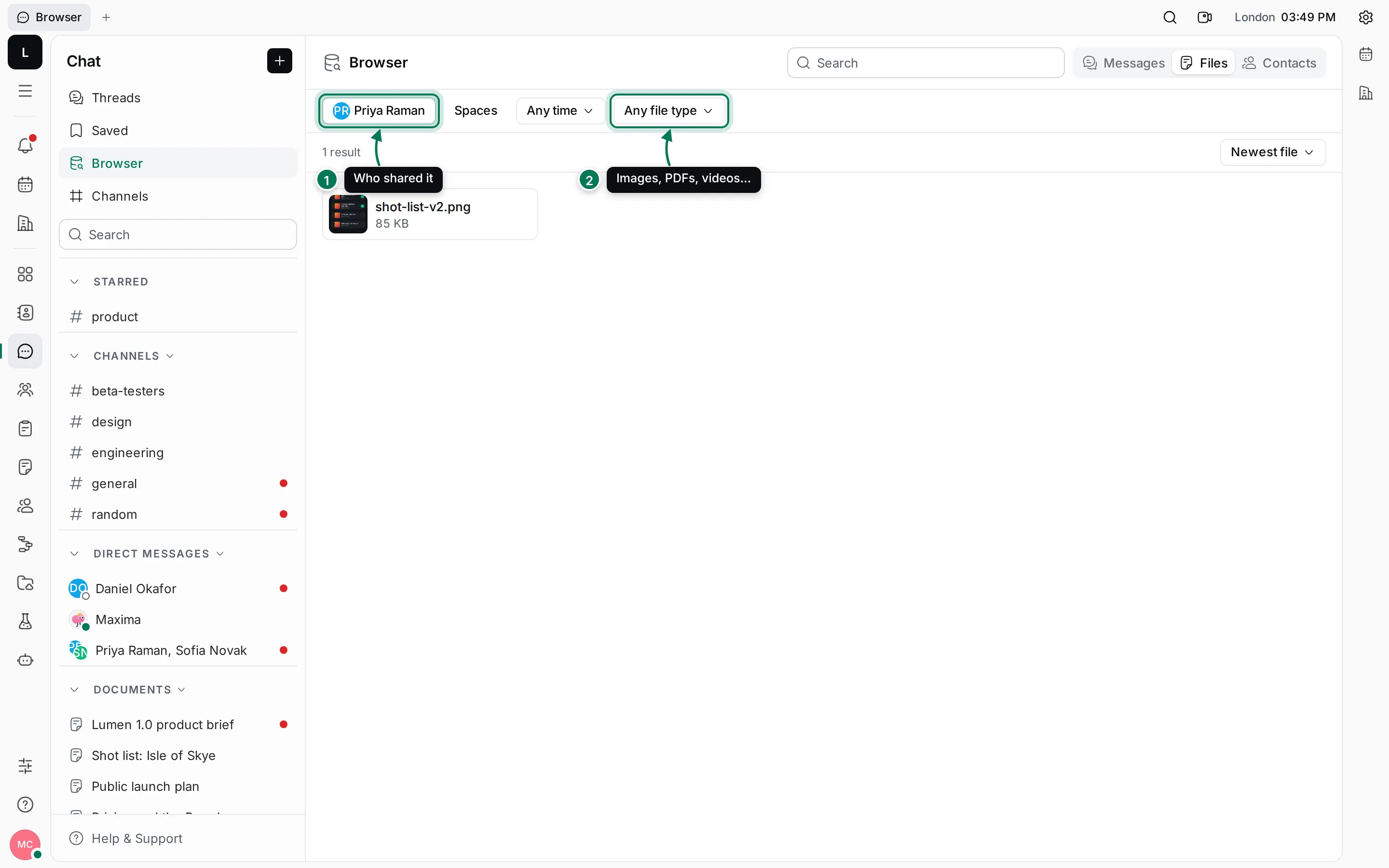
Section titled “Find a file”Under Browser › Files you can narrow the list by:
- Who shared it (you by default; pick other people or several).
- File type: Images, Audio, Videos or PDFs.
You can also pick Spaces (channels and direct messages) and a time range such as Last 7 days, and sort by newest, oldest, name or size.
Contacts lists the people in the workspace, with a Filter for fields such as title, location or skills; click a person to open their contact page.