Work // Inbox and notifications
Compact inbox
The compact inbox is a narrower list with fewer controls: no tabs and no unread or archived filter, and an archive button on every card. Items open on the right exactly as in the full Inbox.
Open the compact inbox
Section titled “Open the compact inbox”- Open the command palette with Ctrl+K (⌘+K on a Mac).
- Run Open the compact inbox.
- To go back, run Back to the full inbox.
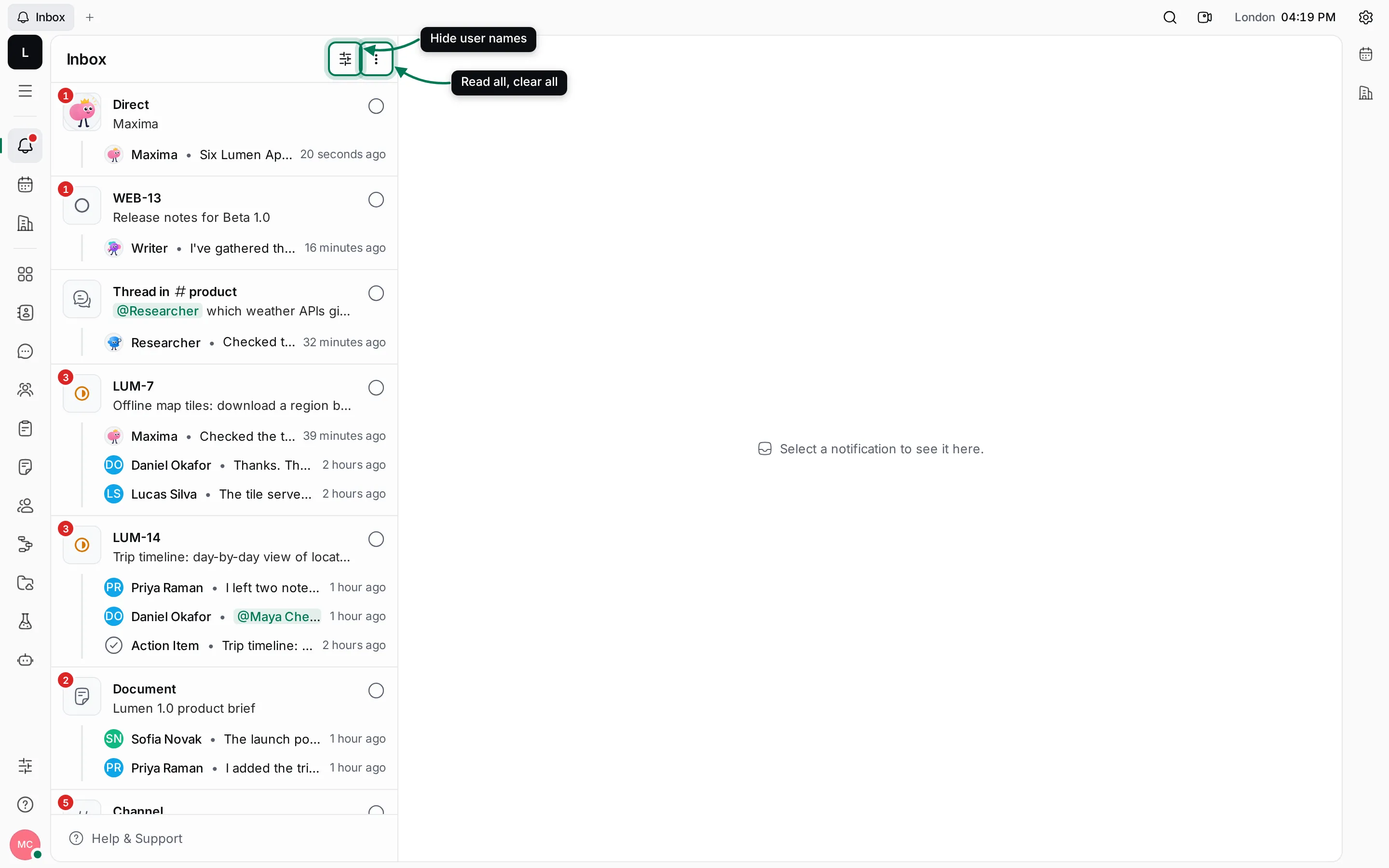
The two buttons at the top of the list are:
- View options: Hide user names shows only faces in the lines of each card, which fits more text.
- More actions: Read all marks everything read; Clear all archives everything after you confirm.
Click a card to open it beside the list:
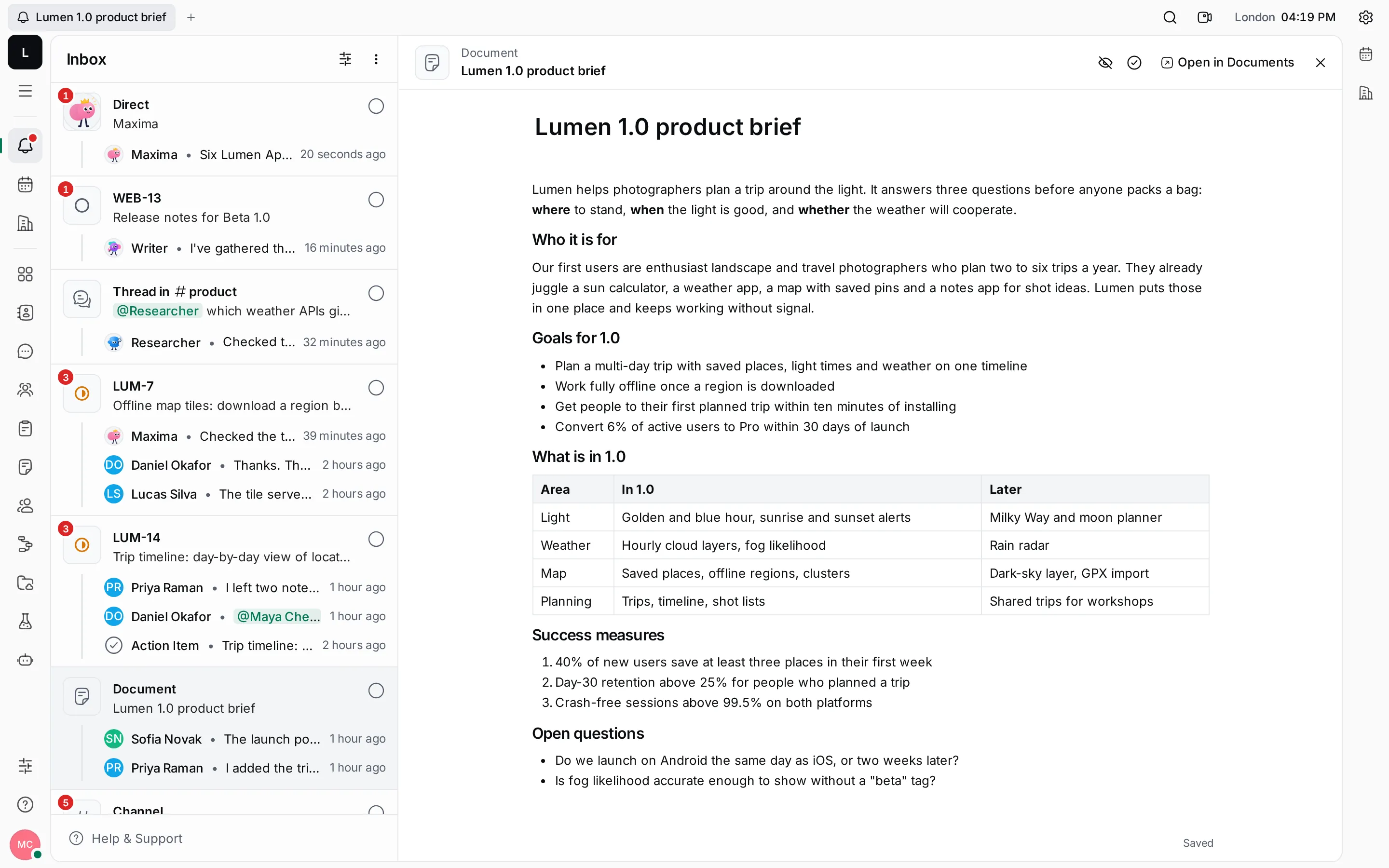
Everything else works as described in Read and reply.