Filter, mark and archive
A short inbox is easier to trust. Archive cards once you’ve dealt with them, and use tabs and filters when you want to focus on one thing.
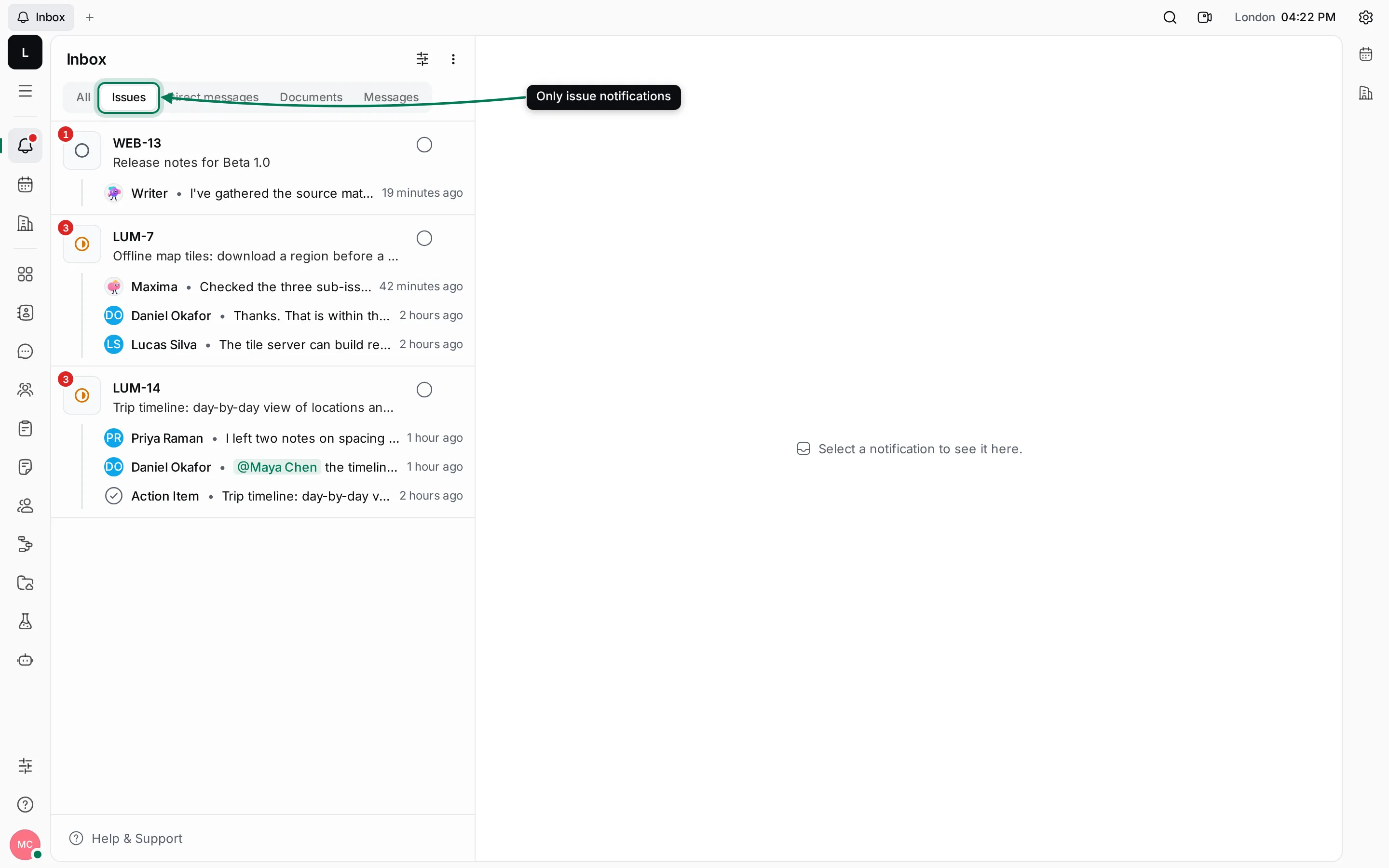
Show one kind of notification
Section titled “Show one kind of notification”Click a tab above the list. Issues shows only issues, Direct messages only your direct conversations, and so on. A tab is shown only while it has cards.
Show only unread or archived notifications
Section titled “Show only unread or archived notifications”- Click Filter (the sliders button) at the top of the list.
- Under Show only, choose Unreads or Archived. Choose it again to show everything.
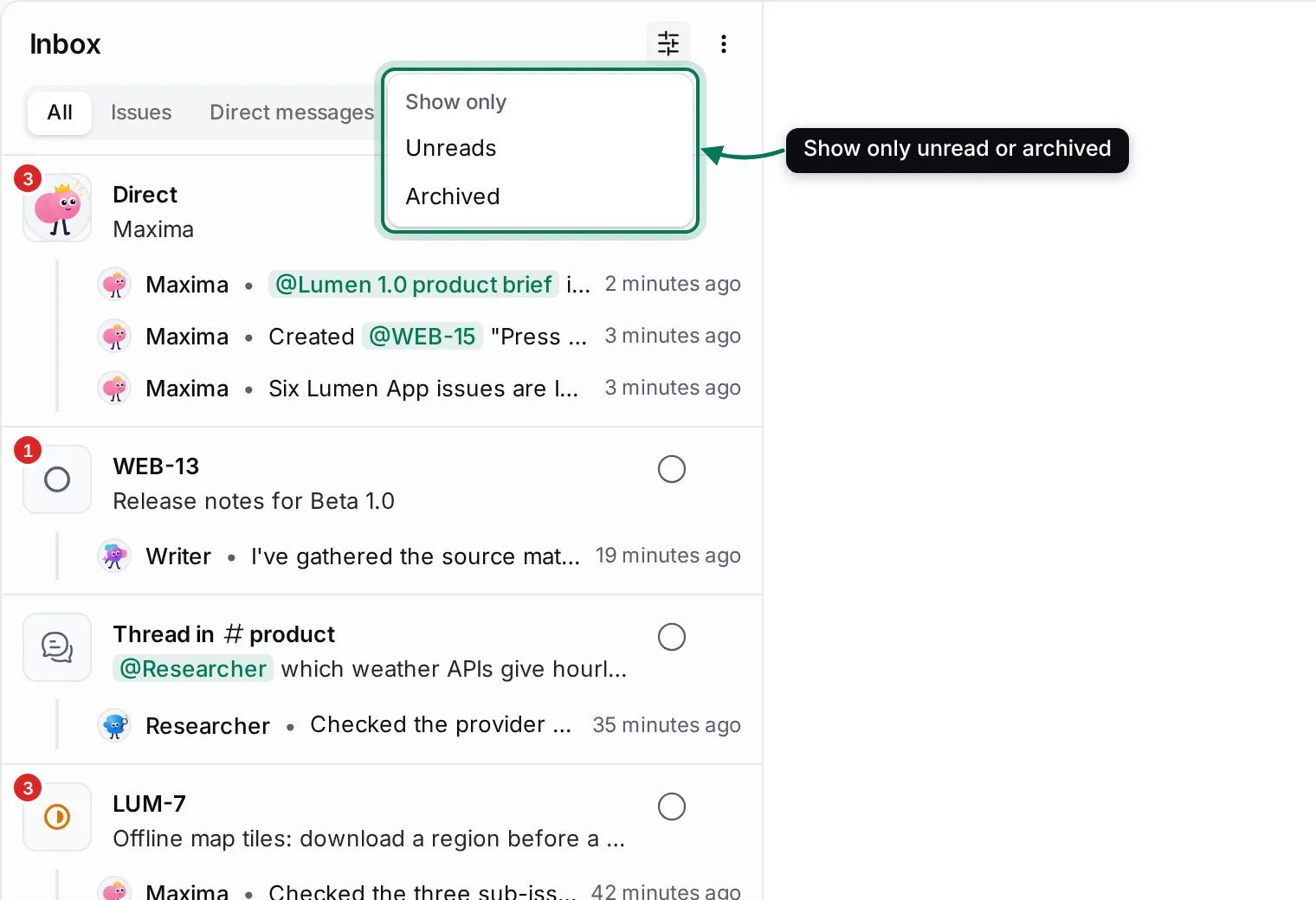
The Filter button is tinted while a filter is on, and your choice is remembered next time.
Mark as read or unread
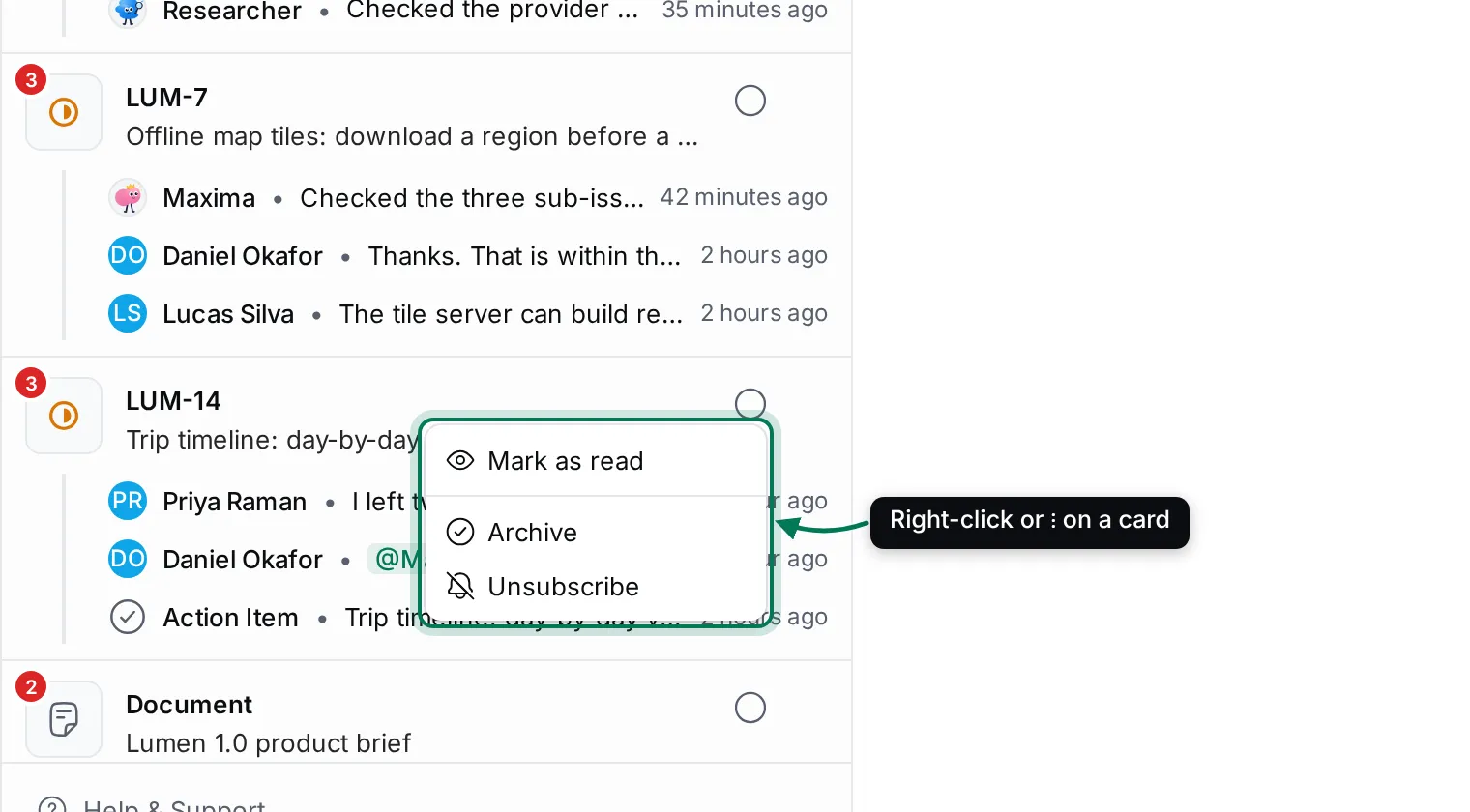
Section titled “Mark as read or unread”Right-click a card, or hover it and click ⋮, for its menu:
- Mark as read or Mark as unread.
- Archive.
- Unsubscribe: stop getting notifications about this item. It asks first, then the card leaves your inbox.
Marking a conversation unread in the Inbox also brings back its red dot in Chat.
Archive
Section titled “Archive”Click the round button at the top right of a card to archive it. Archiving marks it read and moves it out of the list. If something new happens on the same item, a fresh card appears.
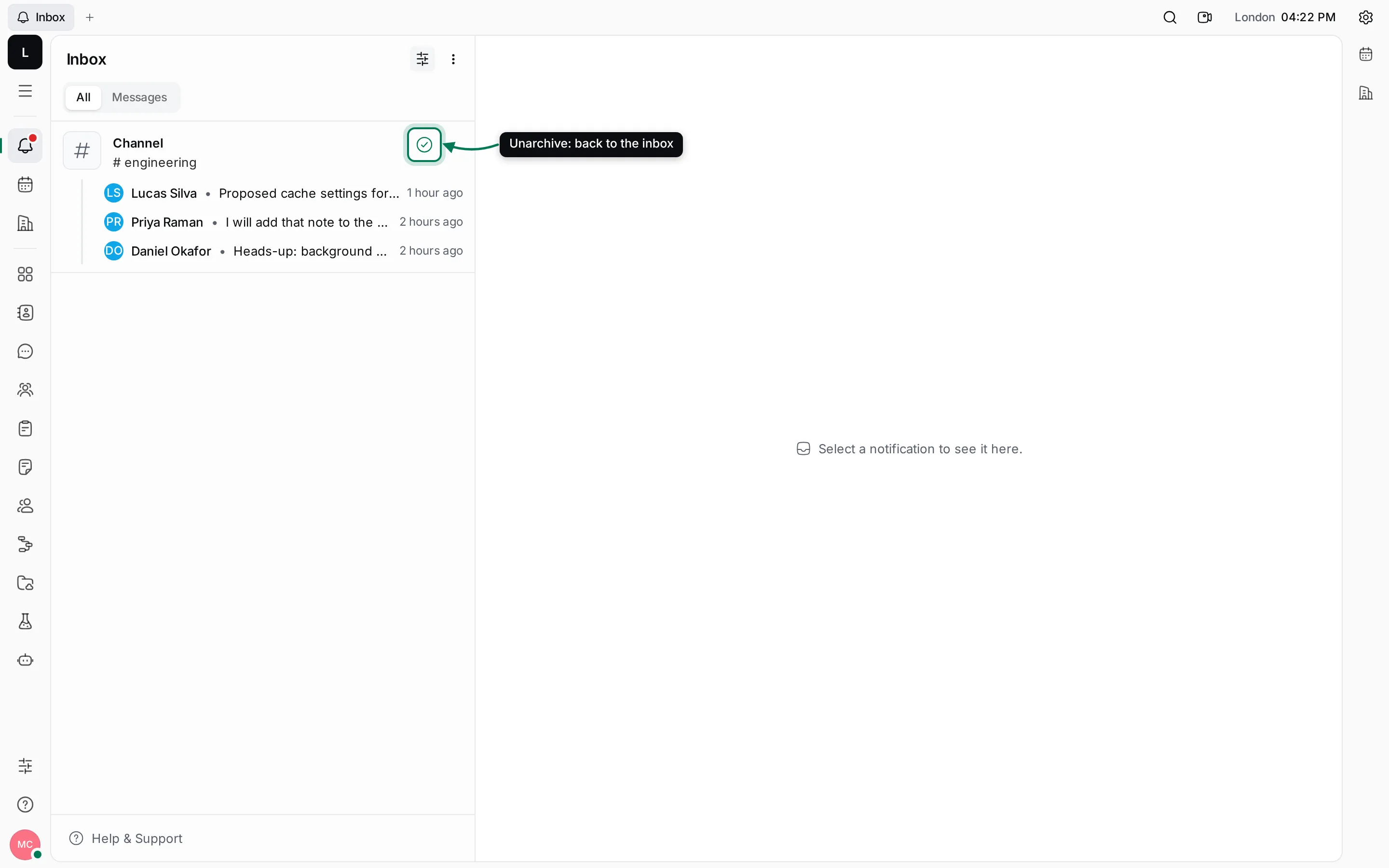
To see archived cards, choose Filter › Archived. Their button is filled; click it (Unarchive) to bring a card back.
Act on everything at once
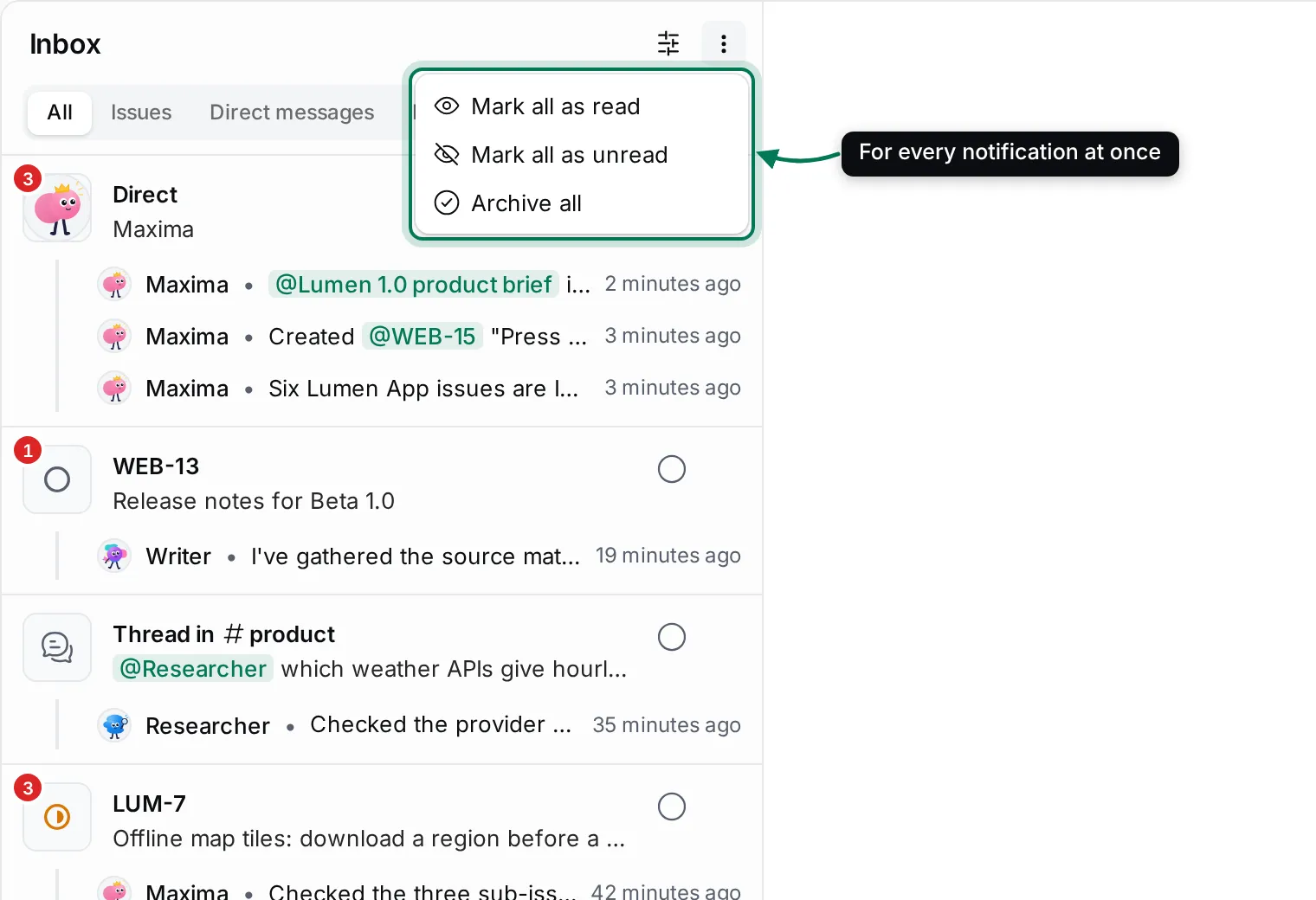
Section titled “Act on everything at once”Click More actions (⋮) at the top of the list:
- Mark all as read
- Mark all as unread
- Archive all, after you confirm.