Read and reply
Clicking a card opens the item it’s about on the right side of the Inbox. Opening it marks its notifications as read.
Answer a notification
Section titled “Answer a notification”- Click a card. To land on a particular message, click that line of the card instead.
- Read the item, and reply in its message or comment box.
- Click Archive in the header to clear the card from your inbox, or Mark as unread to come back to it later.
Issues
Section titled “Issues”An issue opens in full: its title and description (you can edit both), sub-issues, the activity with a comment box, and its properties such as status, assignee and due date. Change anything here as you would in Tracker.
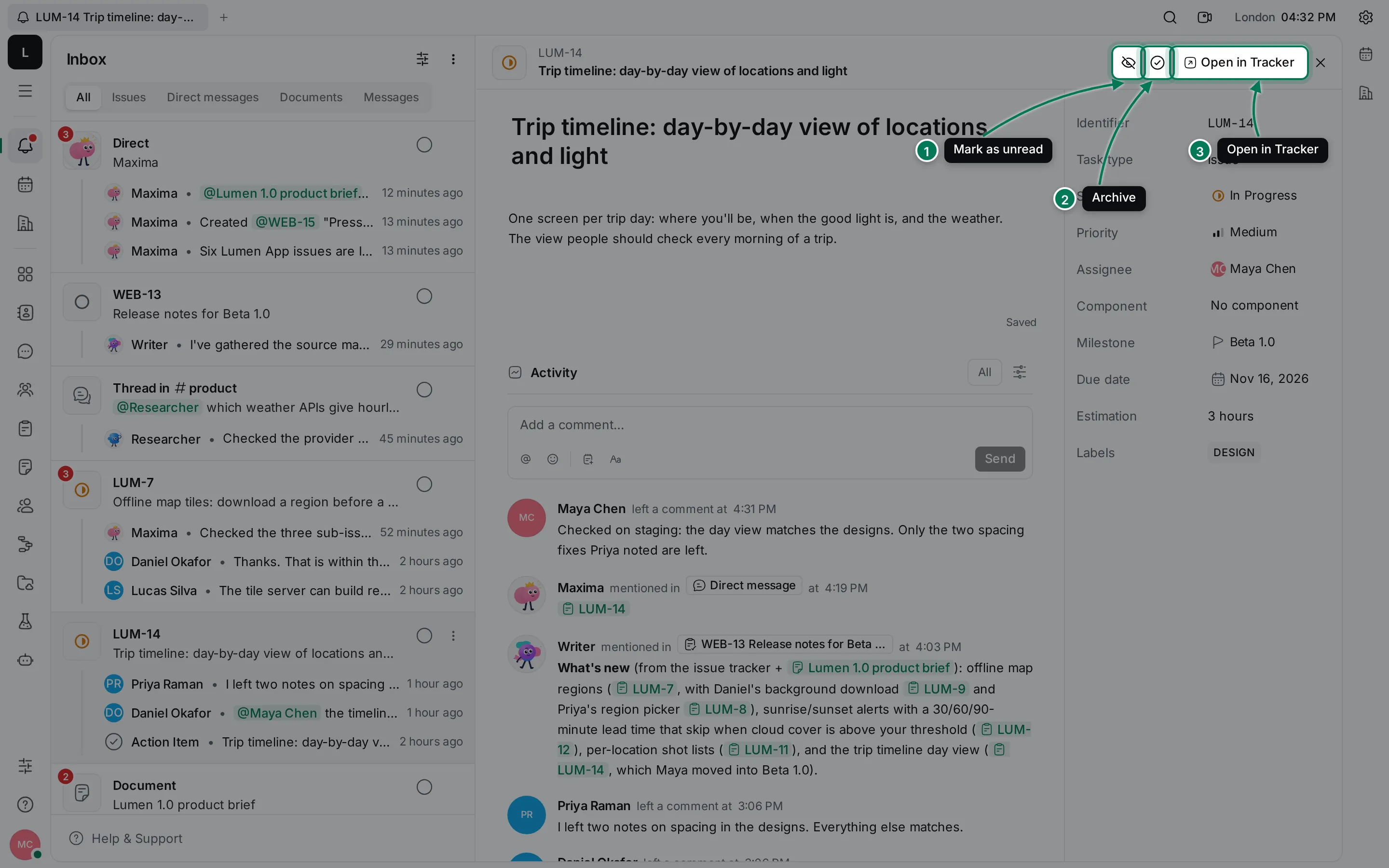
The header buttons are the same for every item:
- Mark as unread (or Mark as read).
- Archive (or Unarchive). Marking an item unread or archiving it closes it.
- Open in Tracker, Open in Documents, Open in Chat or Open in Contacts: goes to the item’s own page.
Press Esc or click × to close the item.
Documents
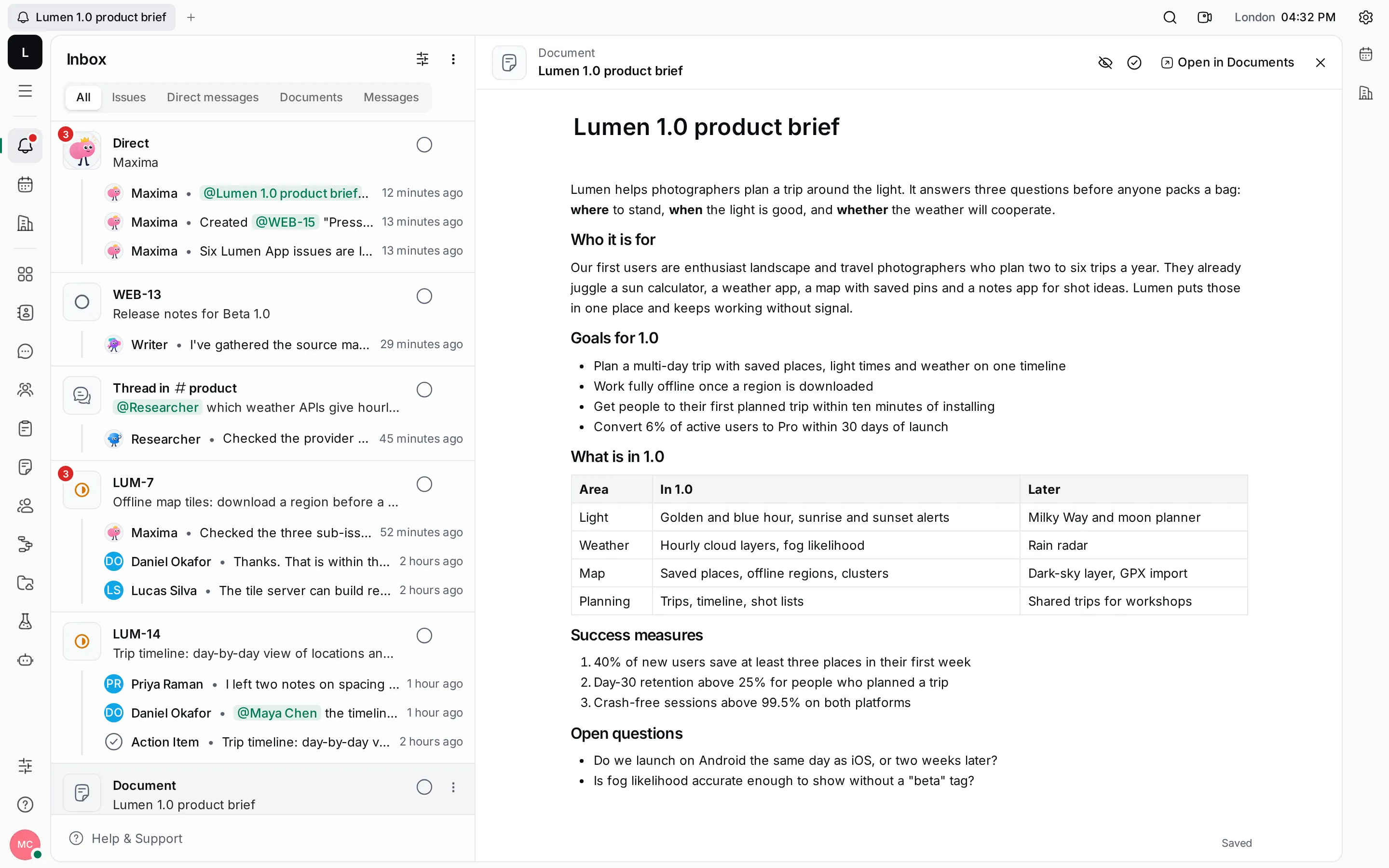
Section titled “Documents”A document opens with its title, its content and its activity. You can edit it right there; others see your changes as you type.
Direct messages, channels and threads
Section titled “Direct messages, channels and threads”A conversation opens with its newest messages at the bottom and a message box under them. Show older at the top loads earlier messages. A thread opens with its channel beside it, scrolled to the first message.
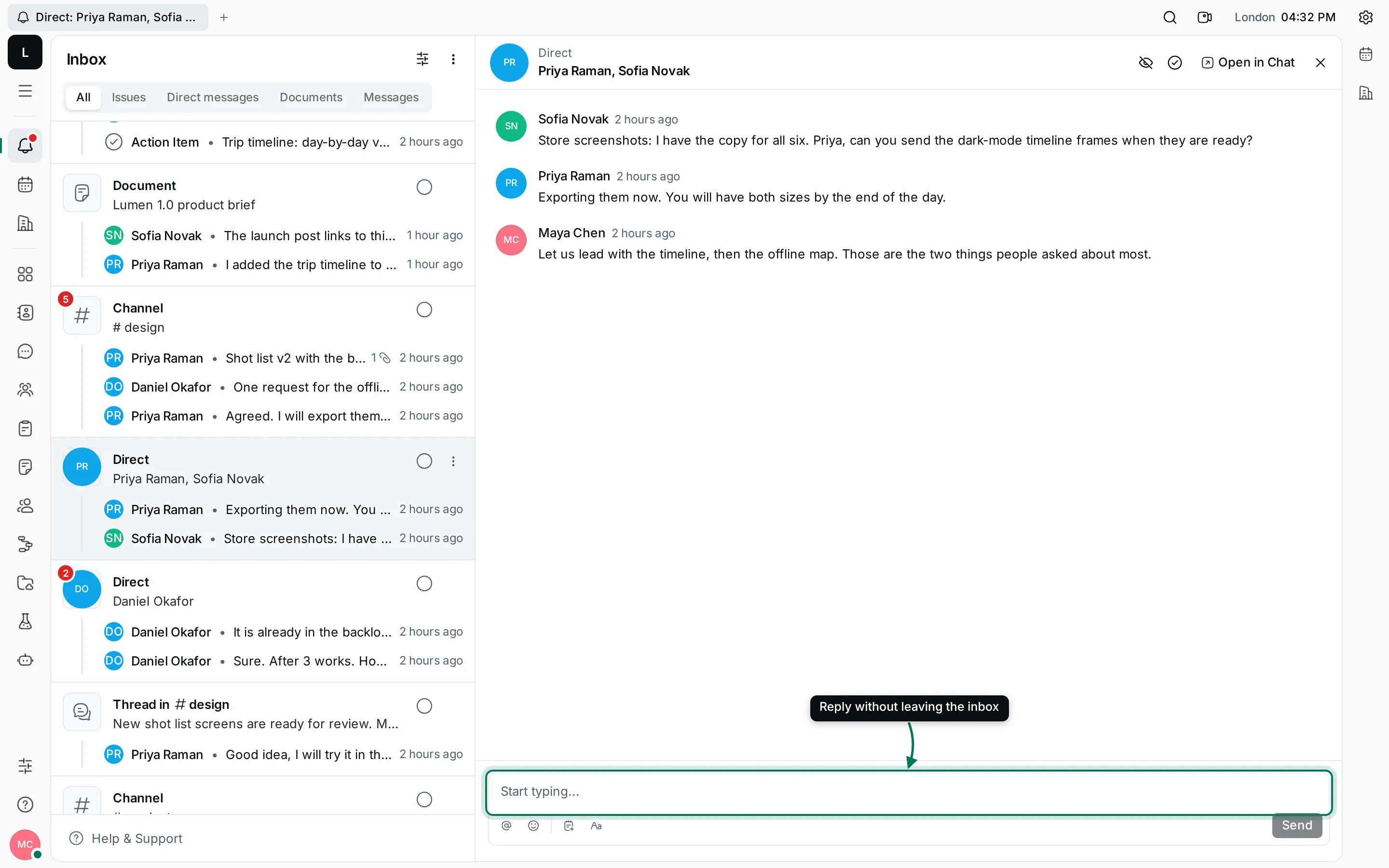
Everything in Chat works here: mentions, emoji, reactions and threads.
Move with the keyboard
Section titled “Move with the keyboard”Use ↑ and ↓ to move between cards and Enter to open one. Esc closes it again.